Product Feature
On-brand AI image drafts from approved post context.
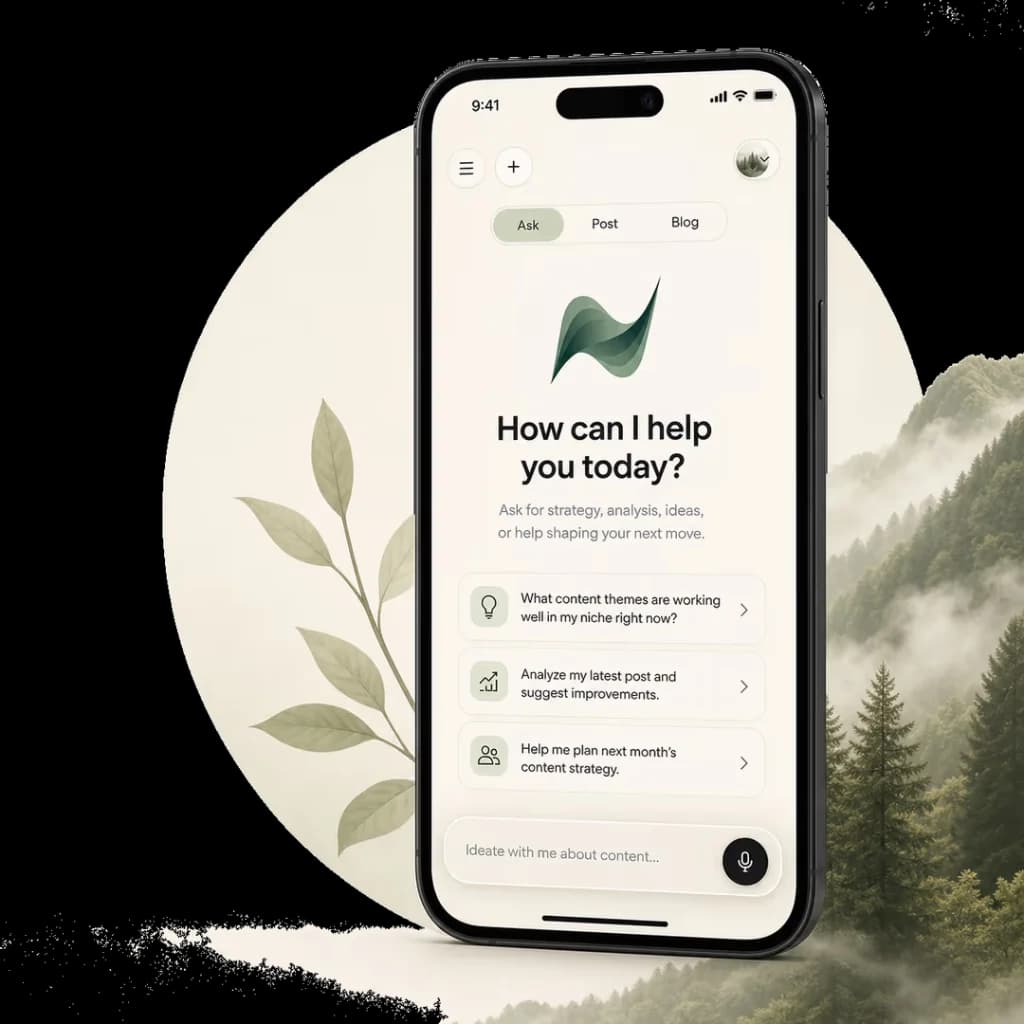
Nebva turns reviewed post context into image directions and visual drafts that fit the brand memory.
Who Nebva helps
Clear audience and clear publishing job.
Visuals should not be random decoration. Nebva waits until the post has a clear angle, then shapes image drafts from the same approved brand context.
Executives
Agencies
Teams with visual standards
Workflow
How the workflow works.
Review the written draft
Generate visual directions
Choose a brand-matching option
Approve, reject, or regenerate
Attach the image to the post queue
Comparison
Nebva vs the alternative.
InputNebva: Reviewed content contextOther: Standalone prompt
StyleNebva: Brand memory and visual tasteOther: Random aesthetic
HandoffNebva: Attached to post workflowOther: Downloaded separately
FAQ
Common questions.
Does Nebva create images before the post is written?
The strongest flow is post first, visual second, so the image supports the real message rather than guessing.
Can I reject visual drafts?
Yes. The visual review flow is designed around approve, reject, and regenerate decisions.
Keep exploring
More Nebva pages for this job.
Brand Memory
Nebva imports website proof, remembers edits, and keeps brand voice, audience context, and proof attached to every draft.
Content Workflow
Plan, draft, review, repurpose, and schedule content without moving the same brief across disconnected tools.
Channels & Formats
Turn one idea into LinkedIn posts, X threads, blog drafts, image briefs, and scheduling-ready assets from one workspace.